23.3.1 Features
Property Insurance Valuation Platform Help Menu
A help link to direct customers to the Property Insurance Valuation Platform Knowledge Base was added to the Help dropdown menu on the Home screen.
Benefits:
Property Insurance Valuation Platform Users now have direct access to a catalog of help articles that serve as a self-server feature before contacting the support team for assistance.
Impacted Area:
The Help dropdown menu.
Add Apartment High Rise Building Type to the Mapping List of Building Type IDs
An additional Building Occupancy Type was added to the Building Occupancy dropdown menu on the Create a New Building screen to cover Apartment High Rise types. This new type has a lower unit replacement cost than the Apartment High Rise Luxury type.
Benefits:
Adding more building options to the Building Occupancy Type dropdown creates a more robust Valuation process.
Impacted Areas:
Valuation section, Creating a New Building screen.
UX Improvements
Standardized Elements on the Confirmation Pop-up
We have standardized the following elements on the Confirmation pop-ups throughout the system:
- Triggers
- Title
- Message
- Buttons
Closing the Quick Create Menu Using Keyboard Functions
The Quick Create menu on the Quick Access Toolbar can be closed using the ESC keyboard button.
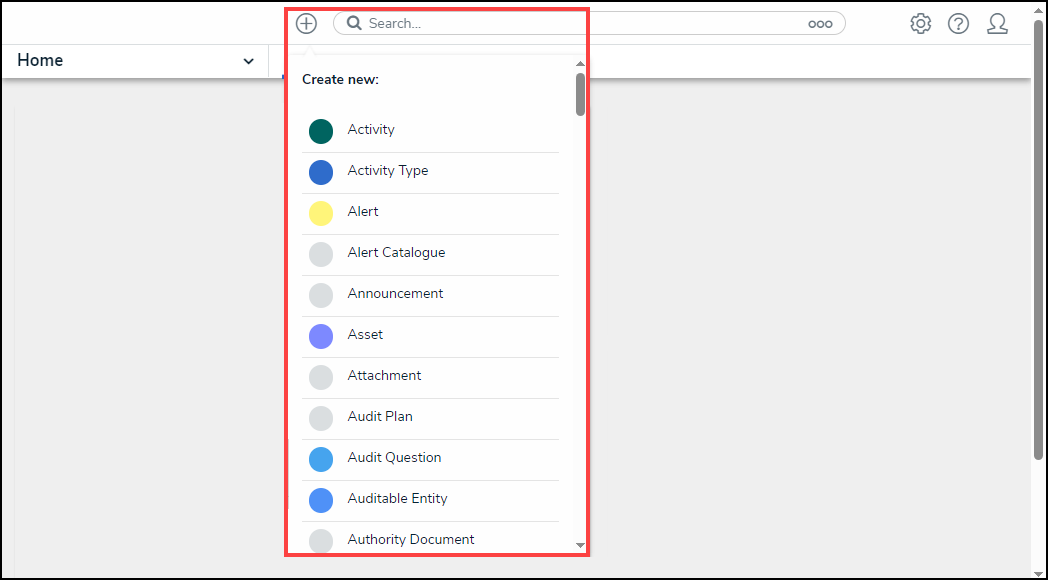
Quick Create Menu
Closing Pop-ups Using Keyboard Functions
All Pop-ups within the system can be closed using the ESC keyboard button.