Overview
Enabling the Enable Polygons toggle switch allows users to use polygons on Maps to create a building's footprint and calculate the building's Gross Floor Area.
User Account Requirements
The user account you use to log into Resolver must have Administrator permission to access Configurable Forms.
Related Setup/Information
For more information on setting up the Calculate Gross Floor Area using Polygons on Maps feature, please refer to the Creating a Gross Floor Area Trigger article.
Navigation
- From the Home screen, click on the System icon.
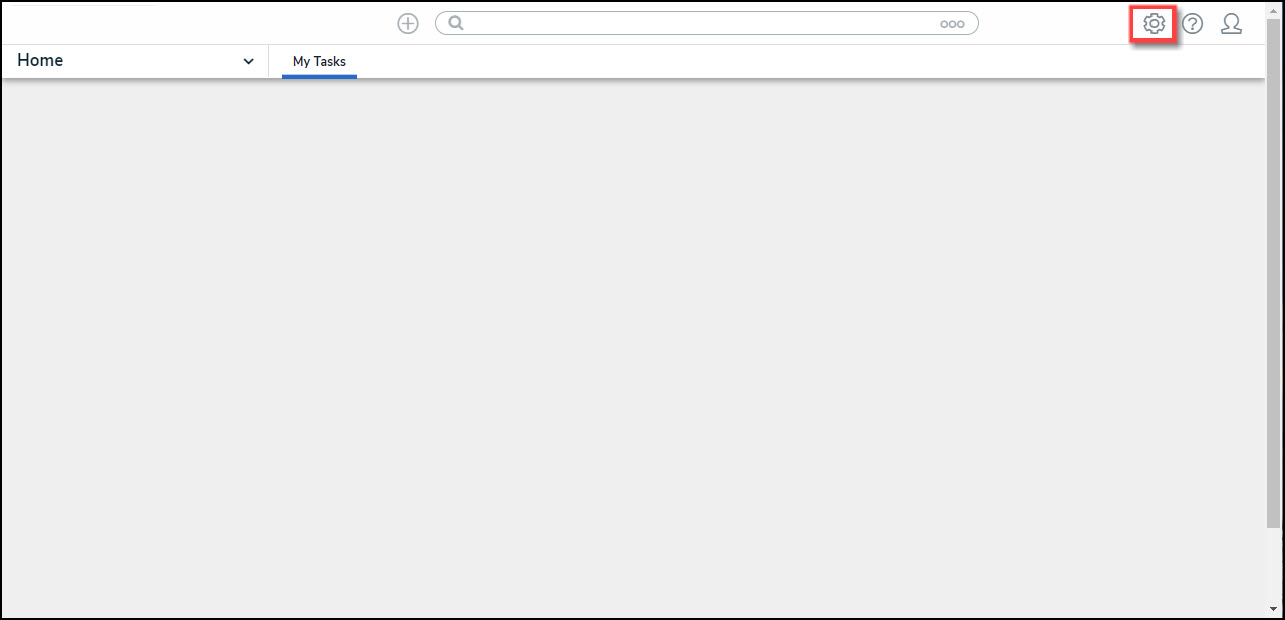
System Icon
- From the Admin Overview screen, click on the Configurable Forms tile under the Views section.
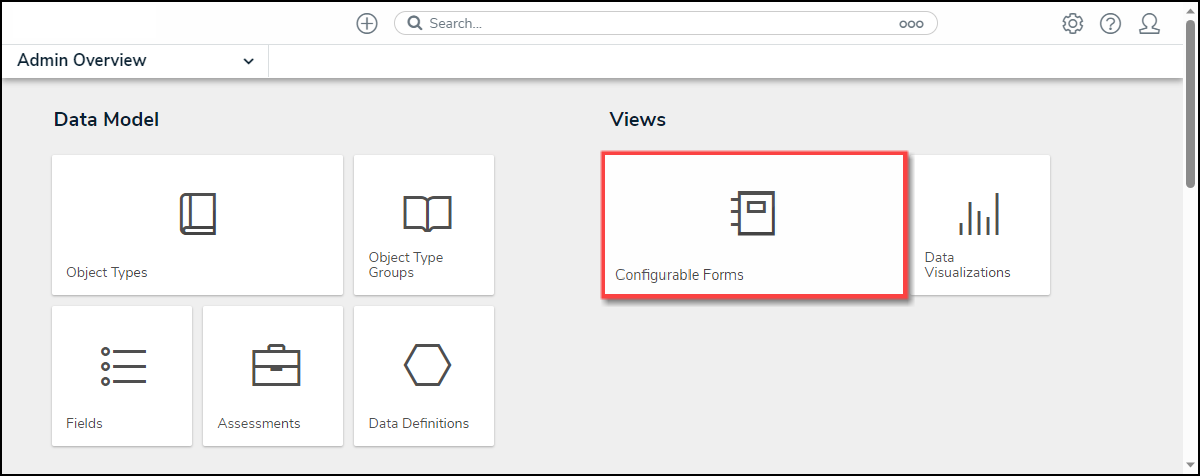
Configurable Forms Tile
Enabling the Gross Floor Estimate Feature on Maps
- From the Admin: Configurable Forms screen, enter a Form Name in the Search field to narrow the search results list.
- Click on a Form Name from the search results lists.

Form Name Link
- From the Admin: Edit Configurable Form screen, navigate to a Location section on the Form.

Location Section
- Hover your cursor over the Location section and click the Edit icon.

Edit Icon
- From the Edit Component Display pop-up, click the Enable Polygons toggle switch to enable the function on Maps within the system. Maps will display in Satellite view and can create and edit a polygon (building footprint).

Enable Polygons Toggle Switch